

5 best Android download managers!
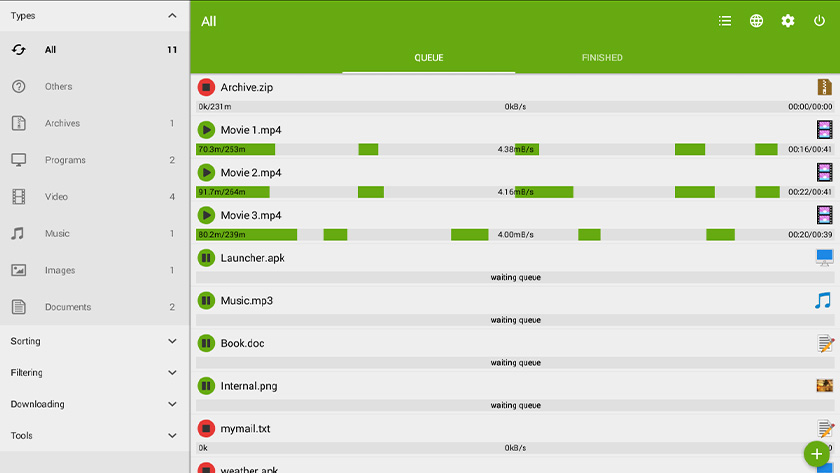
App name: Advanced Download Manager
Download managers seem like an archaic form of managing downloads. After all, most browsers have one already and people don’t always download tons of files. However, there are some benefits from an organizational standpoint and, sometimes, from a speed standpoint as well. People who download frequently absolutely have a use case for download managers. There aren’t a lot of them around, but a few obviously rise to the top. Here are the best ones for Android!

Advanced Download Manager
Price: Free
Advanced Download Manager is one of the most popular download managers for Android. It has a clean UI, plenty of functionality, and support for all kinds of neat things. Some of the features include simultaneous downloads, support for SD cards, speed management, and support for very large files. You also get a widget along some additional, more power-user friendly functionality. It’s also free with ads.
Checketry
Price: Free
Checketry is kind of a diamond in the rough pick. It’s a newer download manager for people with PCs. The app lets you monitor downloads for things like Steam games, various types of files, and even torrents on your PC from your phone. It also features a clean UI along with support for Steam, Battle.net, uTorrent, qBitTorrent, EA Origin, and even Chrome and Firefox. It takes a moment to set up, but it worked just fine in our testing. The app is also free with ads.

IDM
Price: Free / $1.99
IDM is another popular choice in the download manager space. It works like most other download managers, except this one has direct torrent support as well. That makes it a good option for people who use torrents (legally, of course). It also supports five simultaneous downloads, the ability to speed up download speeds, and more. It also blocks third party trackers and includes a built-in browser. The pro version runs for a very reasonable $1.99.
Loader Droid
Price: Free
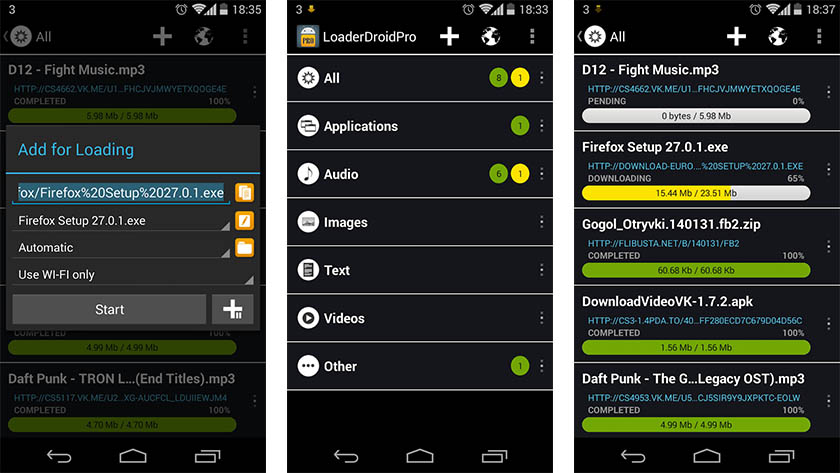
Loader Droid is one of the better, albeit older, Android download managers. The UI is a bit old fashioned, but it delivers the information you need. The app also features plenty of little things like automatically resuming downloads when you connect to data. Some other features include link replacement in case your link times out and you can define the connections allowed on a per-download basis. Thus, you can download via Wi-Fi for one file or 4G for another. It hasn’t seen an update since 2016, so try it at your own risk. However, people seem to still use this in 2019 and still seem to like it.
MyJDownloader
Price: Free / Optional donation
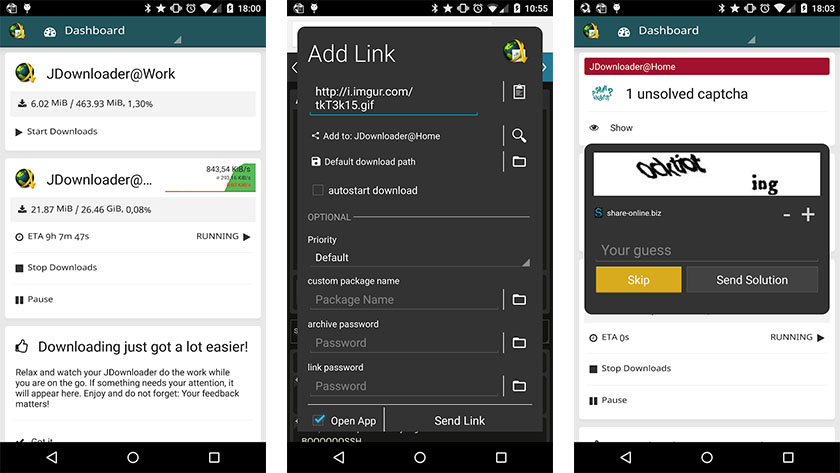
MyJDownloader is very much like Chicketry above. It’s actually a PC download manager with a companion app. You can check your downloads on your PC from the comfort of your smartphone. It also monitors your clipboard for download links, supports various types of files, and more. We liked Cheketry a little better, but this one has been around longer and its desktop app is more powerful. You can choose whichever one works best for you.
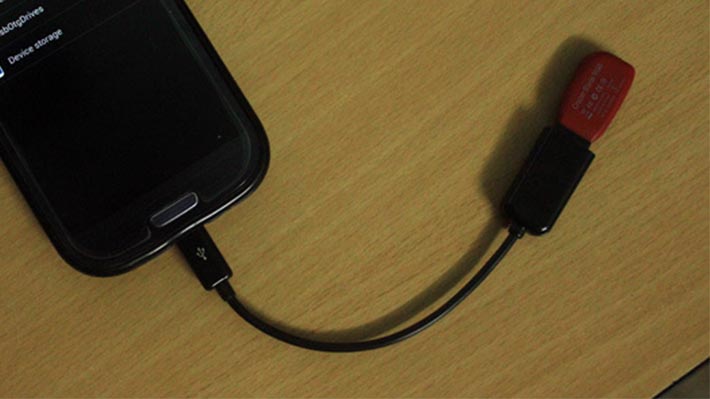
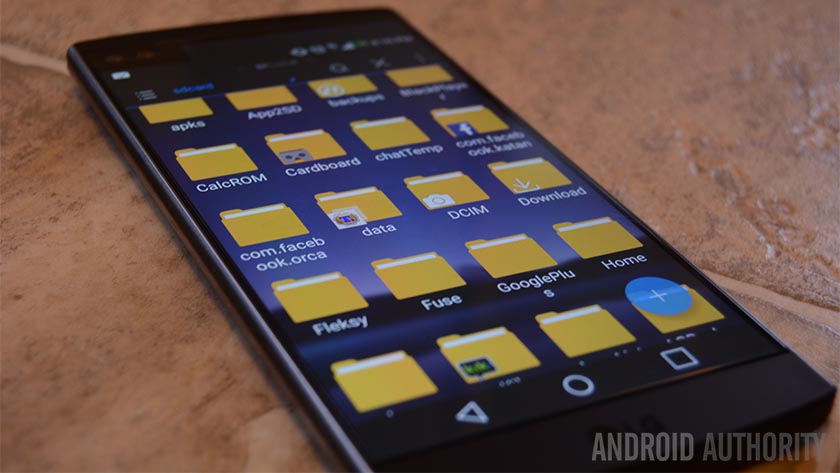
5 best Android apps to transfer files from Android to PC and other ways too!

If we missed any great download managers for Android, tell us about them in the comments! You can also click here to check out our app and game lists!
from Android Authority https://ift.tt/2z9XZtb
 Reviewed by US Tech News
on
August 18, 2019
Rating:
Reviewed by US Tech News
on
August 18, 2019
Rating:


No comments: